When business owners hear that they need to improve cybersecurity, it's
easy to assume the conversation is about to end with:
"You need to buy something."
Another security product.
Another subscription.
Another line item in the technology budget.
Sometimes new technology really is necessary.
But here's another cybersecurity myth worth debunking:
Improving security doesn't always start with buying more security tools.
For many professional services firms, the biggest improvements come from
using the technology they already have better and tightening everyday business
practices.
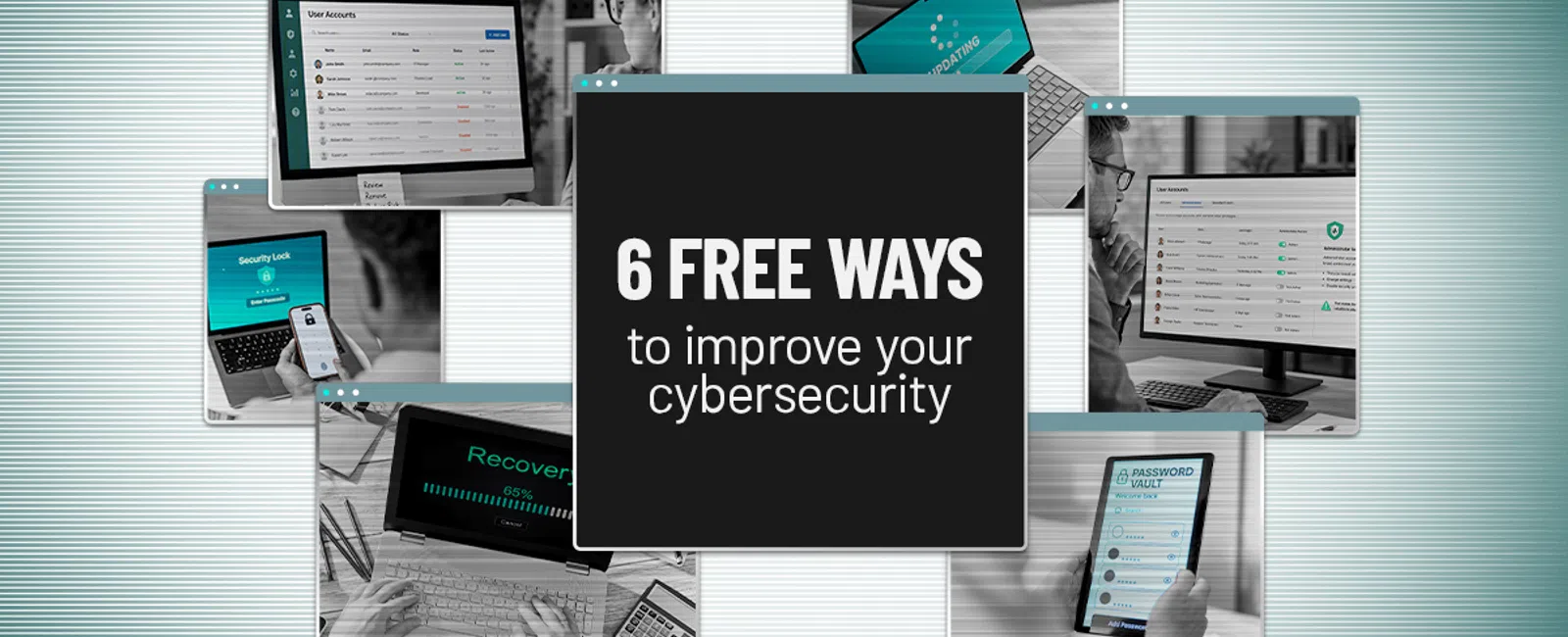
Before adding another product, check these six areas.
1. Make sure multi-factor authentication is actually turned on
Passwords aren't enough anymore.
That's why multi-factor authentication (MFA) has become such an important
layer of account protection.
MFA requires another form of verification in addition to a password.
Depending on the system, that might involve an authentication app, security
key, passkey, biometric verification or another approved method.
The important part for a business owner isn't the technical terminology.
It's this:
A stolen password shouldn't automatically give someone access to your
business.
Start by reviewing the accounts that could cause the most damage if
compromised, including email, financial systems, cloud storage, and other
applications that contain sensitive business or client information.
And don't simply ask:
"Do we have MFA?"
Ask:
"Is MFA enabled for everyone who should be using it?"
There's a big difference.
2. Remove accounts and access you no longer need
Businesses are very good at giving people access.
They're not always as good at taking it away.
An employee starts.
They change roles.
They help with a temporary project.
A contractor gets access to an application.
A vendor needs credentials.
Eventually, you can end up with accounts and permissions that nobody has
thought about in years.
For a professional services firm handling confidential client
information, that's unnecessary risk.
Periodically review your users and ask:
- Does this person still work with
us?
- Does this account still serve a
legitimate business purpose?
- Does this person still need
access to this information?
- Are former employees, vendors and
contractors completely removed from the systems they once used?
You wouldn't leave former employees' office keys active indefinitely.
Digital access deserves the same attention.
3. Stop making everyone an administrator
Administrator access is convenient.
Need to install something?
No problem.
Need to change a setting?
Done.
Unfortunately, that same level of access can become a problem if the
account is compromised—or if someone accidentally changes something they
shouldn't.
Most employees don't need unrestricted control of their computers or
business applications to do their jobs.
The principle is simple:
Give people the access they need to do their work, not every permission
the system allows.
That can reduce security risk while also preventing accidental changes
that create unnecessary IT problems.
Review who currently has administrator-level access and whether their
responsibilities actually require it.
If not, reduce the permissions.
4. Stop putting off updates
You've probably seen the message:
"Update available."
And then clicked:
"Remind me later."
We've all been there.
The problem is that updates aren't only about new features.
They frequently include fixes for reliability and security issues that
have already been discovered.
That makes keeping computers, phones, browsers and business applications
current one of the less glamorous—but important—parts of managing technology.
Where appropriate, automate updates so your security doesn't depend on
employees remembering to click a button.
But there's another business benefit here, too.
Keeping systems properly maintained can help reduce compatibility
problems and unexpected technology issues that interrupt employee productivity.
Cybersecurity and good technology management often go hand in hand.
5. Get passwords out of spreadsheets, notebooks and people's heads
Professional services firms use a lot of applications.
Email.
Accounting.
Document management.
Client portals.
Practice or project management.
Banking.
Vendor systems.
Cloud applications.
Expecting employees to create and remember a different complex password
for every account isn't particularly realistic.
So, people improvise.
They reuse passwords.
Store them in documents.
Write them down.
Or choose something easy enough to remember.
A properly managed password manager can give employees a better way to
create, store, and use unique credentials without relying on memory.
It can also give your firm a more controlled way to manage credentials
that legitimately need to be shared.
The goal isn't to make logging in harder.
It's to make doing the secure thing easier than doing the insecure thing.
6. Find out whether your backups actually work
"We have backups."
Great.
Now ask:
"When was the last time we restored something from them?"
As we discussed in September, there's an important difference between
having a backup and having a recovery strategy.
A successful backup notification tells you something happened.
A successful restore tells you whether that backup can actually help your
business get back up and running.
Your firm should understand:
- What information is being backed
up
- Whether critical data is being
protected
- When backups last completed
successfully
- Whether restores have been tested
- How long recovery could
realistically take
For a professional services firm, recovery time matters.
If employees can't access client files or critical systems, every
additional hour can mean lost productivity, delayed work and frustrated
clients.
A backup isn't valuable because it exists.
It's valuable because it helps your business recover.
Cybersecurity isn't always about spending more
That's the bigger lesson.
Security products matter.
But purchasing technology is only one part of protecting a business.
How you configure that technology matters.
Who has access matters.
How employees use passwords matters.
Whether systems are maintained matters.
Whether your backups actually restore matters.
And whether someone is responsible for making sure all of this keeps
happening matters.
Before you ask:
"What security product should we buy next?"
Try asking:
"Are we doing the fundamentals well with what we already have?"
You may find opportunities to improve your security without adding
another product to the monthly technology bill.
Make security easier to maintain
There's one catch with all six recommendations.
They can't be one-time projects.
New employees join.
Others leave.
Applications get added.
Permissions change.
Devices are being replaced.
Updates are released.
Your technology environment is constantly changing, which means good
security practices need to become part of how the business operates.
That's where the right technology partner should provide more than
products.
They should help make sure the fundamentals don't quietly fall through
the cracks.
If you're not sure whether your firm has these basics covered, schedule
a 10-minute discovery call.
We'll talk through your current technology environment and help identify
practical opportunities to strengthen security, reduce unnecessary risk, and
get more value from the technology you're already paying for.
Because better cybersecurity doesn't always start with buying something
new.
Sometimes it starts with making sure you're doing the important things consistently.