
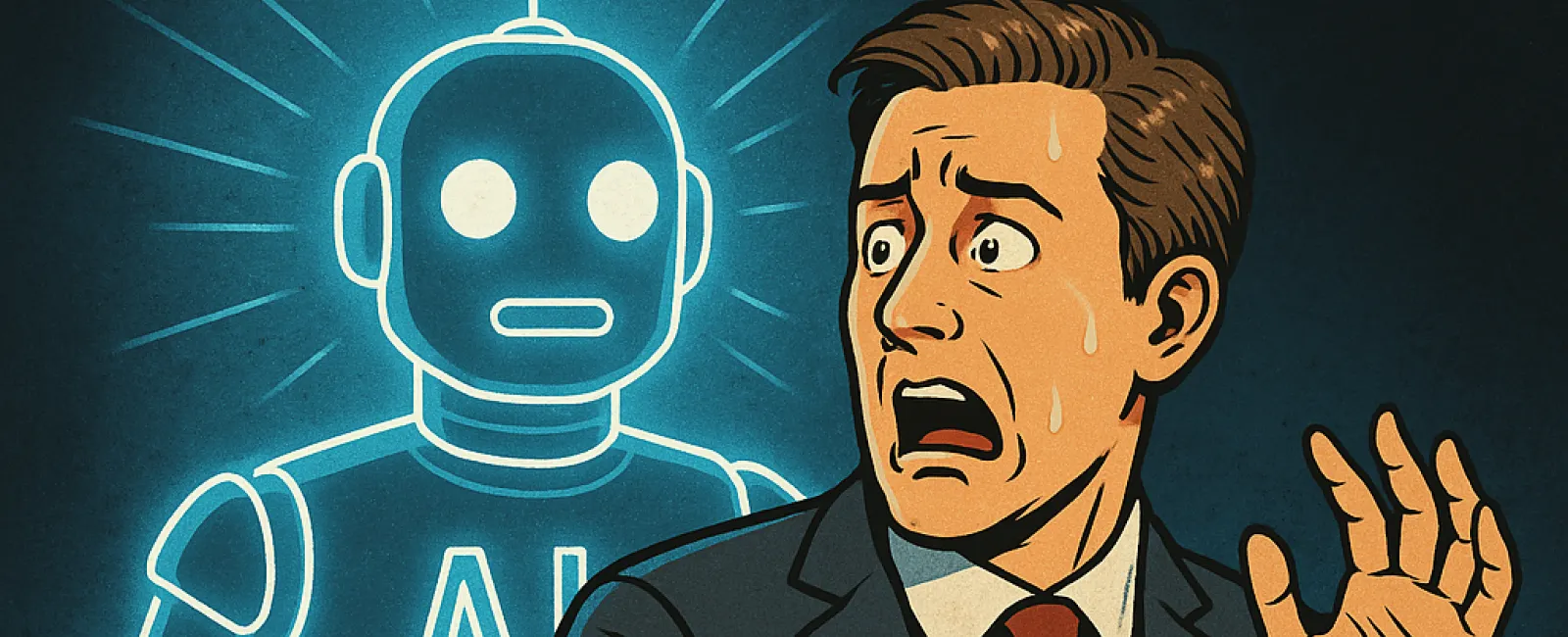
If artificial intelligence gives you that uneasy,
"something's lurking in the shadows" feeling—you're not wrong.
AI is transforming how we work, how we connect, and yes...
how we get scammed. While your firm might be exploring AI to improve workflows
or automate routine tasks, you're not the only one. Cybercriminals are using it
too—and they're getting really good at it.
But don't panic. You don't need to ditch technology or go
off-grid. You just need to know what to look out for.
Let's shine a light on the real AI threats that are
worth your time and attention this Cybersecurity Awareness Month.
🎭 1. Deepfake
Doppelgängers: When Your Zoom Call Isn't What It Seems
Imagine hopping on a Zoom call with what looks like your
managing partner—or your CFO—asking you to quickly download something so the
meeting can "work better." Would you pause to question it?
You should.
One real-world attack involved a team being tricked by
deepfakes—AI-generated videos of people they thought were company
leaders. These fake execs convinced an employee to download malware, giving
attackers direct access to sensitive systems. Turns out, the deepfakes were
shockingly lifelike—and the meeting was a setup.
What to watch for:
- Unnatural
lighting or strange facial movements
- Long
silences or odd eye contact
- Urgent
requests that break protocol (e.g., "just do this quickly")
What to do:
Train your team to spot red flags and always confirm unusual requests
through a second channel (like a phone call or internal message). And make sure
your MSP helps you build strong video verification protocols.
📬 2. AI-Polished Phishing
Emails: Slicker, Smarter, Harder to Catch
We used to tell people: "Look for typos."
Now? Not so much.
AI has leveled up phishing emails. Bad actors can now
generate perfectly worded, highly convincing messages in seconds—and
even translate them into multiple languages to target a wider audience.
But here's the good news: Some of the old defenses still
work.
✅ MFA (multifactor
authentication) makes it nearly impossible for scammers to access your
accounts—even if someone clicks.
✅
Security training still works. Teams that recognize urgency traps ("act
now!", "confirm your credentials immediately!") are much harder
to fool.
Pro Tip:
Make sure your team knows they don't need to be perfect—they just need to pause
and verify before clicking. That alone can prevent most breaches.
⚠️ 3. Fake AI Tools: When the
"Smart App" Is Just a Skeleton in Disguise
Some of the scariest AI threats are the ones that pretend
to help.
Cybercriminals are pushing malware disguised as helpful AI
tools—like video generators, browser extensions, or "free" software that
promises the moon. On the surface, they might look legit. But behind the
scenes? Malware city.
In one case, scammers used TikTok to lure people into
running a PowerShell command to "unlock" AI software. But instead of unlocking
anything, it downloaded spyware to steal data.
How to stay safe:
- Never
download AI tools from unofficial sites or sketchy social media videos.
- Ask
your MSP to vet any new AI apps before anyone in your office
installs them.
- If
something seems too good to be true... it probably is.
👻 Don't Let AI Become the
Ghost in Your Office
Yes, AI threats are getting smarter. But so are you.
With the right guidance, smart security habits, and a team
that's trained to spot trouble before it clicks, your business can stay
protected—and confident—in the age of AI.
📞 Let's Chase the AI
Ghosts Out—Together
If you're unsure which tools to trust—or how to protect your
team from AI-driven scams—it's time for a conversation.
👉 Click Here To Schedule A Discovery Call
Let's make sure you're using AI to grow your business—not
open the door to digital tricksters.