
(That Won't End in a Data Breach)
You're three hours into a five-hour drive to Grandma's. Your daughter is
in the backseat, bored out of her mind, says:
"Can I play Roblox on your laptop?"
Your work laptop.
The one with client files, contracts, payroll info… and full access to
your business systems.
You're tired. The snacks ran out 40 minutes ago. And honestly? Keeping
her entertained sounds really tempting.
But before you hand it over, here's what I want you to know:
Holiday travel introduces tech risks most people never think about.
You're distracted. On unfamiliar networks. Mixing personal time with
"just one quick work check." And that's when mistakes happen.
So, if you're heading out of town this season, whether for work, family,
or a bit of both, here's how to keep your data safe and enjoy your
holiday.
✈️ Before You Leave:
The 15-Minute Travel Tech Check
Don't overthink it. Just take 15 minutes to set yourself (and your
devices) up for success:
🔧 Device Prep:
✅ Install security updates
✅ Back up important files to the cloud
✅ Turn on screen auto-lock (2-minute timer max)
✅ Enable "Find My Device" on all phones/laptops
✅ Charge your power bank
✅ Pack your own charging cables and adapters
🏡 Family Ground
Rules:
✅ Explain which devices are off-limits to kids
✅ Bring a family tablet for games/videos
✅ If kids absolutely need a laptop, create a separate user account
with restrictions
💡 Pro tip: A $150 tablet is
cheaper than a security incident.
🏨 Hotel WiFi: You're
Probably Using It Wrong
You check in. Everyone grabs the room key and immediately connects their
devices—your teen is streaming Netflix. Your spouse is checking email. You're
pulling up tomorrow's proposal.
Here's the scary part:
That "Hotel WiFi" could be fake.
Real story: A hacker set up a fake hotel WiFi network from their car in
the parking lot. For two days, they captured everything: emails, logins, and credit
card numbers.
🔐 How to stay safe:
✅ Verify the network name with the front desk
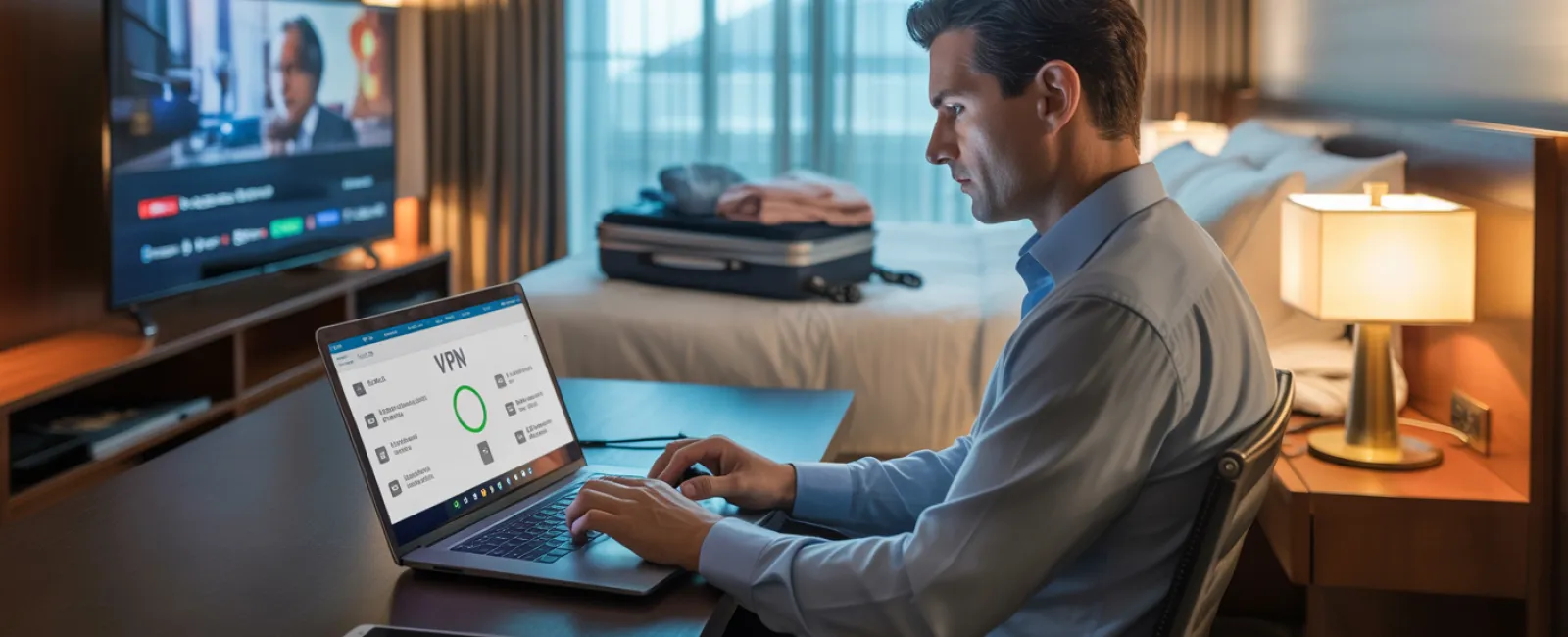
✅ Use a VPN when checking work email or files
✅ Hotspot > Hotel WiFi when dealing with anything sensitive
✅ Keep work and play separate (let the kids stream, but do your
work on your hotspot)
🧒 "Can I Use Your
Laptop?" = Red Flag
Kids are curious. They click. They download. They forget to log out. It's
not malicious, it's just what they do.
But on your work laptop?
That curiosity is a
security risk.
🛑 Best move:
Just say no.
"This is my computer work. Let's use the tablet instead."
If you must share:
• Set up a restricted user account
• Supervise what they're doing
• No downloads, no password saves
• Clear the browser history after use
Better yet: bring a dedicated family device and protect your work laptop
like it's your passport.
📺 Hotel Smart TVs:
Don't Forget to Log Out
It's movie night. You log into Netflix on the hotel TV and forget to log
out the next morning.
Now the next guest has access to your entire account.
And if you reused that password (please don't!), they could try it
elsewhere.
Safer solutions:
✅ Cast from your device instead of logging into the TV
✅ Set a reminder on your phone to log out before checkout
✅ Download shows ahead of time so you don't need to connect at all
🚫 Never log into the following on a
hotel TV:
- Email
- Banking apps
- Work accounts
- Social media
- Anything tied to your credit card
😱 If a Device Goes
Missing…
You left your laptop in the Uber. Your kid dropped their iPad at the rest
stop. It happens.
First hour checklist:
- Use Find My Device to
locate it
- If not retrievable, lock it
remotely
- Change all key account passwords
- Notify your IT provider or MSP
- If sensitive data was on the
device, begin breach response steps
Before your trip, make sure you've enabled:
✔ Remote tracking
✔ Strong password protection
✔ Automatic encryption
✔ Remote wipe capabilities
🚗 The Rental Car
Bluetooth Trap
You connect your phone to the rental car's Bluetooth to play music or get
directions. But when you return the car, your contacts, call history—even
texts—can stay stored.
Quick fix:
✅ Delete your phone from the Bluetooth settings
✅ Clear the GPS history
✅ Better yet: skip pairing and use an aux cord or your phone speaker
🧘♀️
The "Working Vacation" Trap
You told the family this was a vacation. But you've checked your email 12
times, answered three "quick" client calls, and missed the mini-golf
tournament.
Worse? You're now rushing through tasks, logging into work systems
from hotel lobbies, and skipping your usual security protocols.
Set boundaries before you burn out:
✅ Pick two times a day to check email
✅ Always use your hotspot for work—not public WiFi
✅ Work in private (not where others can shoulder-surf)
✅ Log out completely when it's family time
✨ The best protection? Actually, unplug for a few days. Your business
won't fall apart—and your data will be safer because you're more alert.
🎁 The Holiday Travel
Security Mindset
Let's be real: you're juggling a lot. Sometimes your kid will need
your device. Sometimes you do have to answer that email.
The goal isn't perfection. It's prevention.
✔ Prep your devices
✔ Understand what's risky vs. safe
✔ Draw a clear line between work and personal use
✔ Know your "what if something goes wrong" plan
✔ Say "not on this device" and mean it
💬 Make This Holiday
Memorable (For the Right Reasons)
No one wants their most vivid holiday memory to be,
"Remember when Dad's laptop got hacked?"
A little prep now means:
🎄 Your business stays protected
👨👩👧👦 Your family gets your full attention
🛫 Your vacation feels like… well, a vacation
Want to travel with peace of mind this holiday season?
We help business owners set up simple, effective travel security protocols—so
you're covered wherever the holidays take you.
👉 Schedule your Free Discovery Call here
And enjoy your trip without taking your entire business network along for the
ride.