You'd never leave the front door of your office wide open
overnight.
You'd never drive without buckling your seatbelt.
So let me ask you this: Are you still logging into work
accounts without multifactor authentication (MFA)?
Because if so, you're leaving the door wide open. And
unfortunately, hackers are constantly checking to see which ones are unlocked.
🛡 What MFA Really Does
(And Why It's So Effective)
Multifactor authentication is like adding a second lock
on your digital doors.
Instead of relying only on a password—which can be guessed,
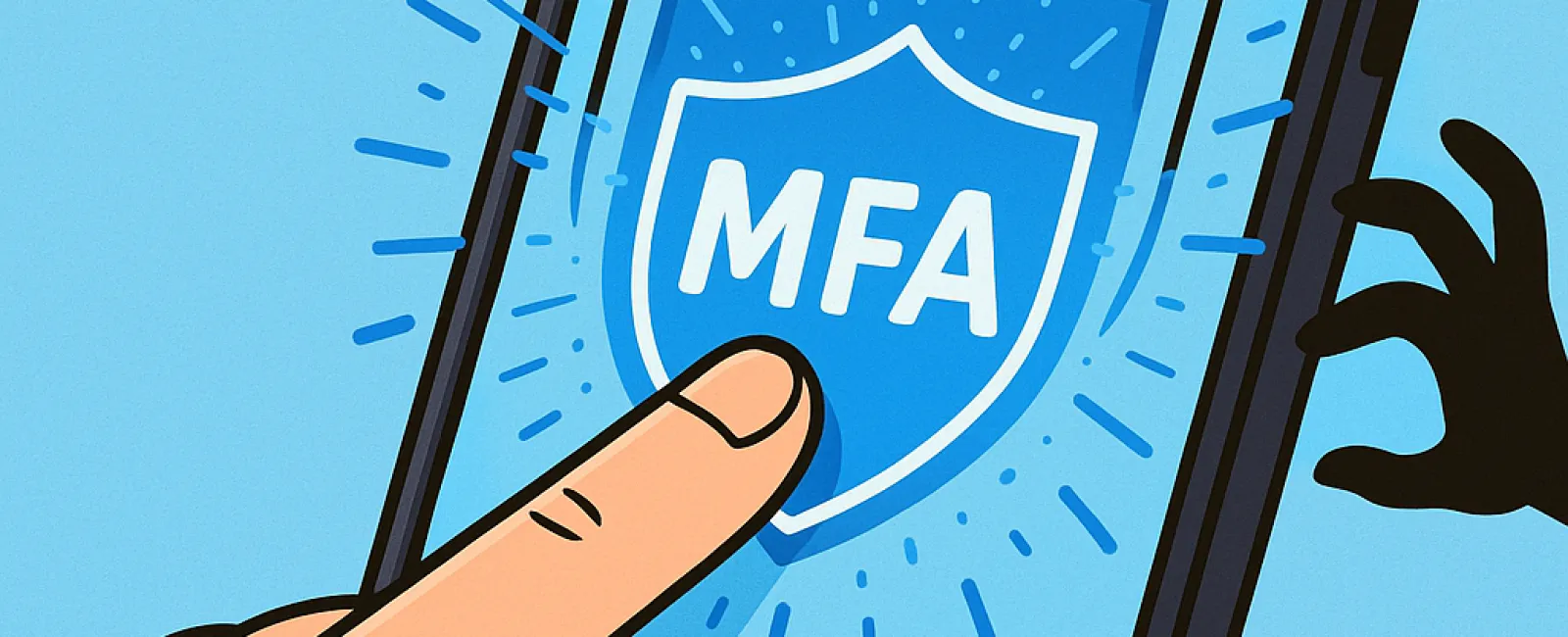
stolen, or phished—MFA adds a second step. Think text codes, fingerprint scans,
or a quick tap on your phone to confirm it's really you logging in.
Even if someone gets your password, they'll hit a dead end
without that second layer.
🧠 Think of MFA Like This…
- Your
password is locking the door.
- MFA
is arming the security system.
Sure, you could rely on just one. But if something
goes wrong (and it often does), wouldn't you rather have that backup in place?
🚨 Real-World Scenarios
Where MFA Saves the Day
Let's say someone on your team falls for a phishing email
and gives up their login info (it happens more than you think). Without MFA,
the attacker is in—reading emails, accessing client data, or worse.
With MFA?
The login attempt triggers a code or alert to your employee's phone. They know
something's up—and they can change the password before damage is done.
Microsoft says that enabling MFA reduces the risk of account
compromise by over 99.2%. And for some systems, that jumps to 99.99%.
That's the kind of protection that buys you peace of mind.
📍 Where You Should
Absolutely Be Using MFA
If you only set it up in a few places, make them these:
- 💳
Banking & finance accounts
- 📧
Email & cloud storage (like Microsoft 365, Google Workspace,
Dropbox)
- 📱
Social media (yes, even your business profiles)
- 🗂
Work apps with client data or sensitive information
Most platforms offer built-in MFA settings. Some use
authenticator apps, others send a quick text or push notification. Either way,
it's usually just a one-tap process for you—and a total shutdown for
hackers.
🧩 Need Help Getting MFA
Set Up Across Your Business?
Here's the truth: MFA is free, simple, and wildly
effective—but many firms still skip it because they think it's "too much
hassle."
If that's you, let me make it easy.
👉 Click Here To Scheduled A Discovery Call, and we'll walk you through the setup, show
you the safest options for your staff, and help you lock down your most
important accounts—without disrupting your day.
Because the strongest security sometimes comes down to one
button.
And pressing it could be the decision that saves your business.