
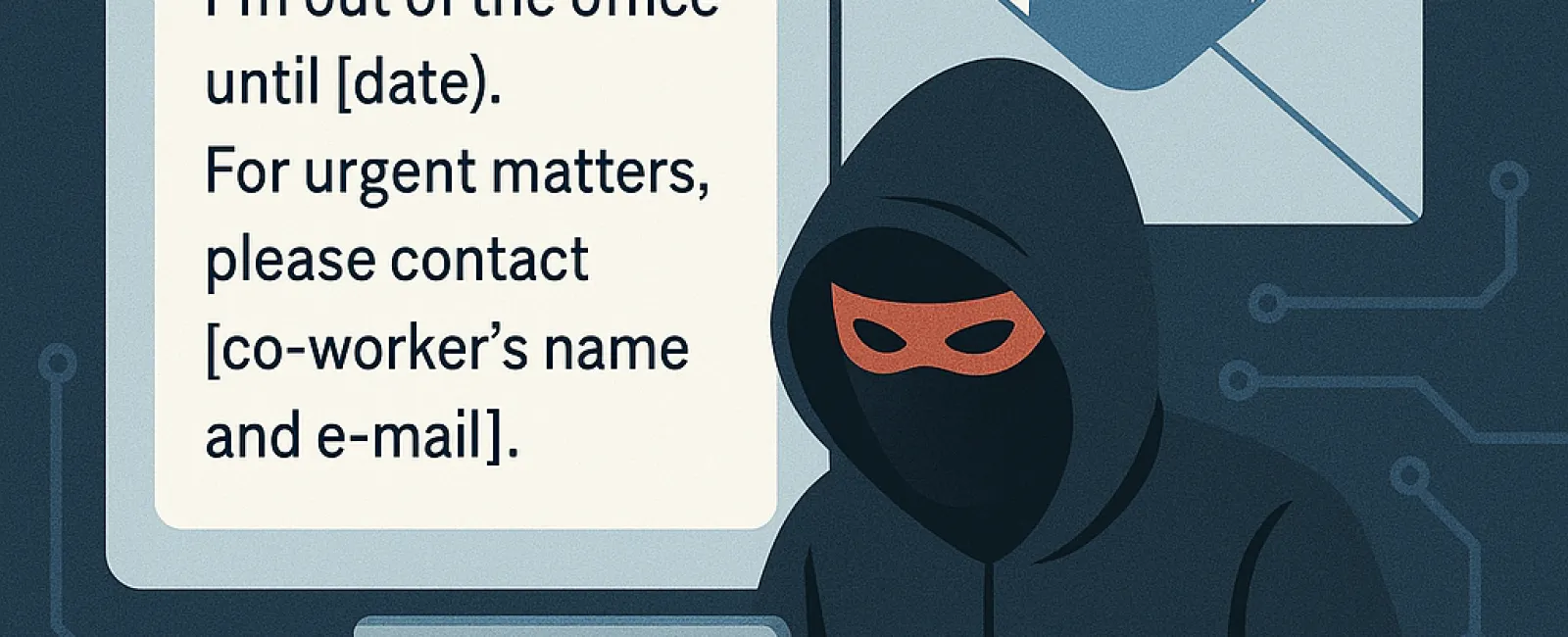
Set your out-of-office message once and let it run automatically. But as you prepare for your vacation, your inbox quietly starts sending this message:
"Hello! I'm away from the office until [date]. For urgent issues, please reach out to [coworker's name and e-mail]."
It seems simple and helpful, right? Convenient, even.
But this is exactly what cybercriminals are eager to exploit.
Your auto-reply, designed to keep communication flowing smoothly, inadvertently provides valuable information to hackers seeking an easy entry point.
Consider what a typical out-of-office message reveals:
● Your full name and job title
● Dates when you’re unavailable
● Alternate contacts with their email addresses
● Internal team details
● Even reasons for your absence (like "attending a conference in Chicago…")
This information gives cybercriminals two key advantages:
1. Timing: They know when you’re away and less likely to spot suspicious activity.
2. Targeting: They can impersonate the right people and tailor scams effectively.
This sets the stage for highly effective phishing or business email compromise (BEC) attacks.
How The Scam Unfolds
Step 1: Your auto-reply is triggered and sent out.
Step 2: A hacker uses your message to impersonate you or your listed alternate contact.
Step 3: They send a fake "urgent" email requesting wire transfers, passwords, or sensitive documents.
Step 4: Your coworker, unsuspecting, assumes the request is genuine.
Step 5: You return to discover unauthorized transactions, like $45,000 sent to a fraudulent vendor.
This scenario happens more often than you might expect, especially for businesses with frequent travelers.
If your company has traveling staff—executives or sales teams—and others manage their communications during absences (such as assistants or office admins), it creates ideal conditions for cyberattacks:
● Admins handling emails from multiple people
● Familiarity with processing payments and sensitive requests
● Working quickly while trusting the apparent sender’s identity
One cleverly crafted fraudulent email can bypass defenses and lead to costly breaches or fraud.
Protect Your Business From Auto-Reply Exploits
Rather than eliminating out-of-office replies, use them strategically and implement protective measures. Here’s how:
1. Keep Your Message General
Avoid sharing detailed plans or naming coverage contacts unless absolutely necessary.
Example: "I'm currently away and will respond upon my return. For immediate help, please contact our main office at [main contact info]."
2. Educate Your Team
Ensure employees understand:
● Never act on urgent requests involving money or sensitive data based solely on email.
● Always verify unusual requests through a second channel, like a phone call.
3. Deploy Advanced Email Security
Use sophisticated email filters, anti-spoofing technologies, and domain protections to reduce impersonation risks.
4. Enforce Multifactor Authentication (MFA)
Enable MFA on all email accounts to block unauthorized access even if passwords are compromised.
5. Partner With a Proactive IT Security Team
Work with cybersecurity experts who monitor login attempts, phishing threats, and unusual activities before damage occurs.
Ready to Enjoy Your Vacation Without Cyber Risks?
We specialize in building robust cybersecurity systems that protect your business—even when your team is out of the office.
Click Here or call us at (805) 295-8883 to schedule your FREE 10-Minute Discovery Call.
We’ll assess your systems for vulnerabilities and help you secure your business so you can relax without worrying about your inbox being exploited.