
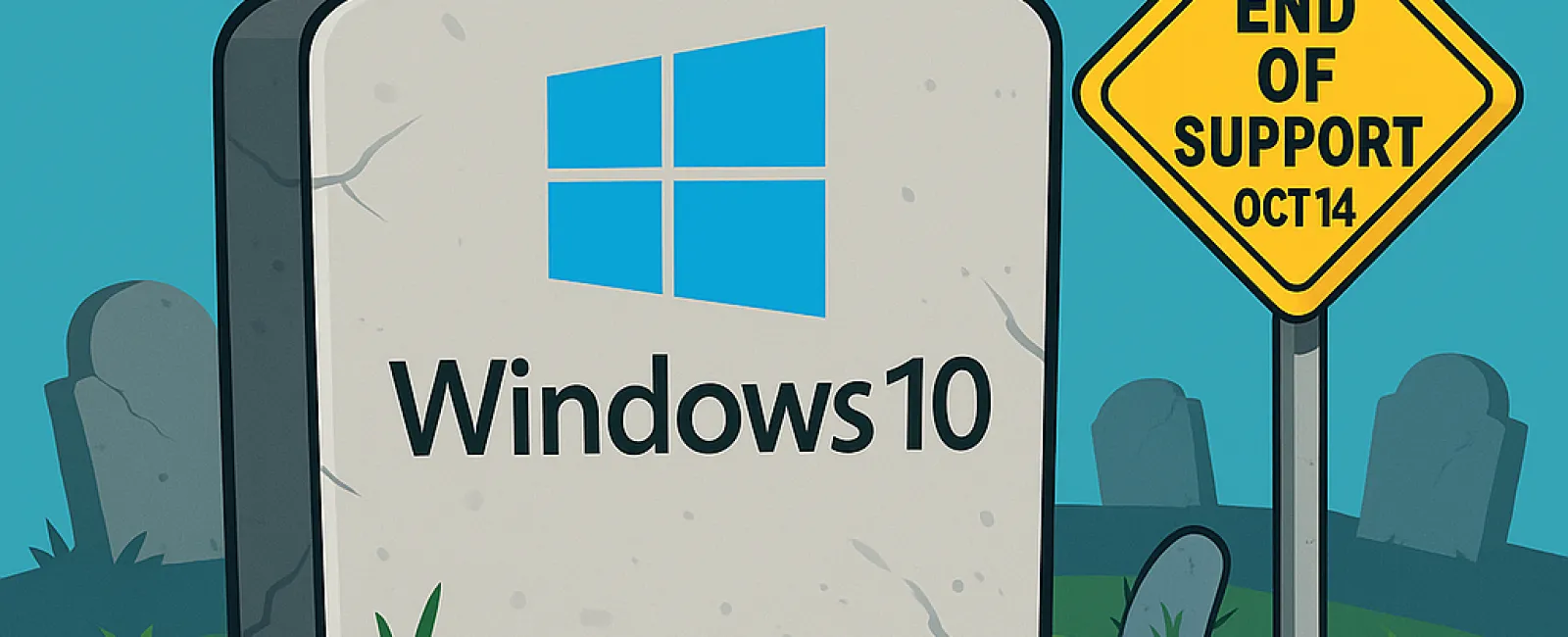
Big change ahead: On October 14, 2025, Microsoft will officially end support for Windows 10.
That means your computer won't stop working overnight—but it
will stop receiving the critical updates that keep it safe, secure, and
running smoothly. And for business owners, that's a bigger deal than it may
seem at first glance.
Why This Matters to You
🔒 Security Risks
Without Microsoft's regular updates, your PCs become an easy target for
hackers, malware, and viruses. For firms handling sensitive client data—law,
finance, healthcare, engineering- this risk is too big to ignore.
⚙️ Software Compatibility
As software vendors push updates designed for newer systems, older programs
running on Windows 10 may start lagging, glitching, or failing altogether.
📜 Compliance Concerns
If your business operates under strict regulations, using an unsupported
operating system could put you at risk of fines—or worse, loss of client trust.
What Are Your Options?
Not every computer running Windows 10 can upgrade to Windows
11. Microsoft has stricter hardware requirements, and if your device doesn't
qualify, you'll hit a wall during the upgrade.
Here are your choices:
- Upgrade
to Windows 11 - If your device qualifies, this is the smoothest path.
- Purchase
a New PC - For older machines, replacement may be the smarter (and
longer-term) investment.
- Extended
Security Updates (ESU) - A short-term option from Microsoft, keeping
Windows 10 patched for one more year (at a cost).
- Alternative
OS (like Linux) - Not usually the best fit for professional service
firms, but technically an option.
- Ignore
the Deadline - Please don't. This leaves your business exposed and
vulnerable.
👉 Pro tip:
Whatever you choose, make sure to back up your data first. Upgrades and
transitions are smoother (and less stressful) when your files are safely
stored.
Extended Security Updates: A Temporary Fix
If you're not ready to upgrade, Microsoft is offering an Extended
Security Updates (ESU) program—but it's just a band-aid.
- Cost:
$30 or 1,000 Microsoft Reward Points.
- Free
Option: Use OneDrive Backup (5 GB free, pay if you need more).
- Timeframe:
ESU buys you just one extra year of Windows 10 protection.
Important: You must register before October 14, 2025
to qualify.
What's the Smartest Move?
The smartest path forward depends on your business setup,
budget, and compliance requirements.
That's why now is the perfect time to talk with your IT
provider—before the deadline sneaks up. An experienced IT partner will help
you:
- Evaluate
which of your devices are Windows 11-ready.
- Plan
hardware upgrades strategically (so you don't overspend).
- Ensure
security and compliance stay rock-solid during the transition.
- Minimize
downtime, so your team keeps working without disruption.
Ready for a Stress-Free Transition?
We're here to make this change simple. Schedule a FREE 15-minute Discovery Call
with our team, and we'll walk you through your options—no jargon, no pressure.
Just clarity and peace of mind.
📞 Call us at (805)
295-8883
💻
Or click here to schedule your
spot.