
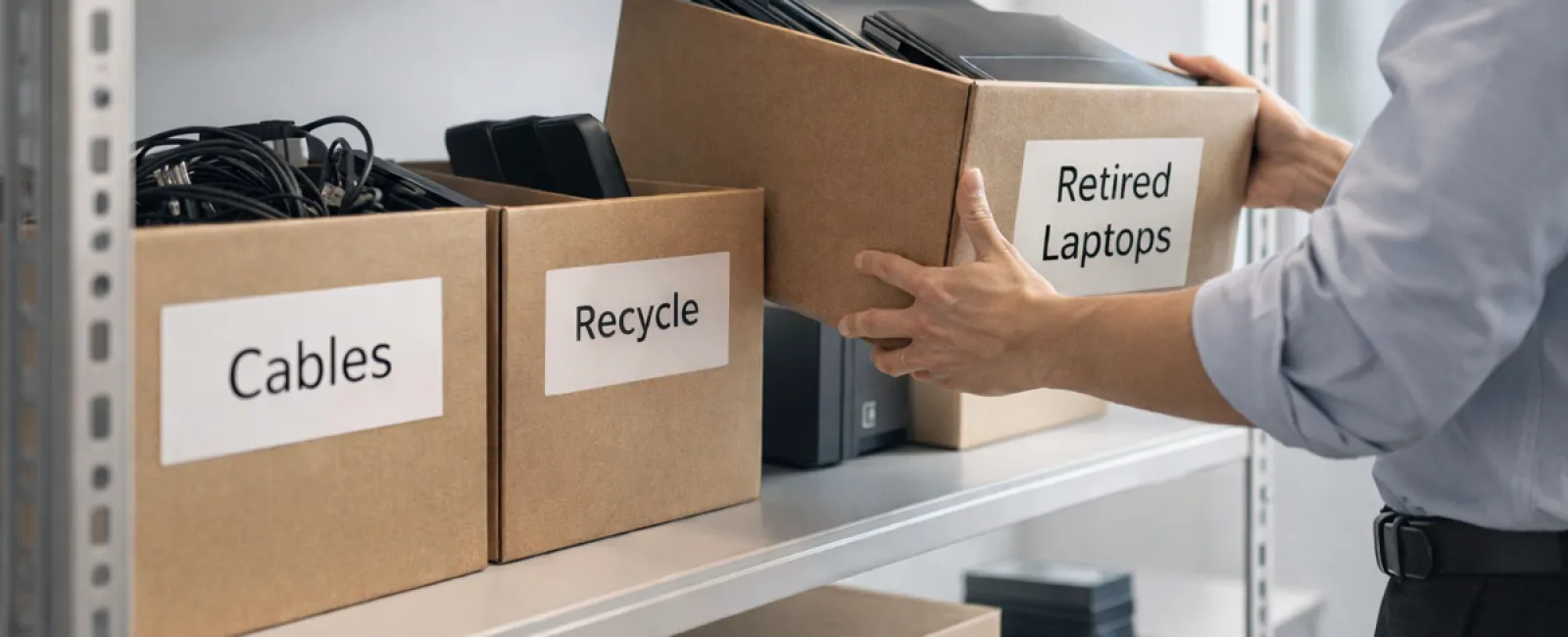
Spring cleaning often begins with tidying closets, but for most companies, the real clutter hides beyond racks.
It might be in a server rack, or tucked away in storage rooms, back offices, or shuffled into a "deal with later" heap.
Old laptops, outdated printers, backup drives from several upgrades ago, and boxes of cables kept "just in case" accumulate everywhere.
Every company faces this challenge.
The real issue is not the presence of this equipment but having a clear strategy for its next steps.
Technology Has a Lifecycle Beyond the Purchase Date
Your reasons for buying new tech are usually obvious: speed, security, enhanced features, and supporting growth.
While many businesses plan their tech purchases, very few strategize the retirement process.
Retiring devices often happens quietly—they're replaced, set aside, then forgotten until someone finally clears out space.
This is typical.
What's uncommon is managing technology retirement with the same care as acquisition.
Old equipment holds value, recyclable parts, and possibly sensitive data. Unused tech can slow operations when it just occupies space.
Spring is the perfect moment to evaluate: which gear still serves us, and what's merely clutter?
A Clear Process to Refresh Your Technology
Stop postponing this vital conversation. Follow our straightforward four-step method.
Step 1: Assess Your Inventory
Identify what's ready for retirement. Laptops? Phones? Printers? Networks? External drives? You can't manage what you don't know; a simple audit reveals surprises.
Step 2: Choose the Right Path
Devices usually fit one of three options: reuse (internally or donations), recycle (certified e-waste programs), or destroy (when data protection is needed). Make deliberate decisions to avoid storage limbo.
Step 3: Prepare Devices Properly
Discipline here pays off.
For reuse or donation, remove devices from management systems, revoke access, and ensure thorough data deletion—not just factory resets.
Deleting files or formatting doesn't erase data; it merely hides it. A study by Blancco found 42% of resold drives on eBay still had sensitive info despite sellers claiming wipes. Certified erasure tools overwrite all data and provide verification.
If recycling, select certified e-waste programs—don't use dumpsters. Programs like Best Buy's serve households only, not businesses.
For business hardware, use certified IT asset disposition (ITAD) providers or business-focused recyclers with e-Stewards or R2 certification (check directories at e-stewards.org or sustainableelectronics.org). Your IT provider can usually help coordinate.
For destruction, use certified wiping or physical destruction methods like shredding or degaussing, and keep detailed records: serial numbers, methods, dates, and handlers.
This isn't paranoia—it's essential to close the process securely.
Step 4: Document and Confirm Completion
Track where equipment goes, how it's processed, and ensure access is revoked. Documenting prevents future doubts.
Devices Often Overlooked
Laptops get attention, but many devices are forgotten.
Phones and tablets may hold emails, contacts, and authentication apps. Factory resets help, but certified mobile wipes offer better security. Many brands like Apple and Samsung accept trade-ins—even for older models—sometimes offering credit toward new gear.
Printers and copiers often contain internal drives storing everything printed, scanned, copied, or faxed. Confirm in writing that leased machines' drives will be wiped or removed before redeployment.
Batteries are hazardous waste per EPA rules. In many states, including CA, NY, and MN, disposing rechargeable batteries in trash is illegal for businesses. Remove batteries, tape terminals to avoid shorts, and drop them off at certified recycling centers. Visit Call2Recycle.org for locations; stores like Staples, Home Depot, and Lowe's also accept rechargeable batteries.
External drives and old servers often linger in closets despite risks. They require the same thorough retirement process as other tech.
Recycling Insights for Earth Day
April reminds us to care for our planet.
Electronic waste shouldn't pollute landfills. Globally, we generate over 62 million metric tons of e-waste yearly; only 22% is recycled properly. Batteries, monitors, and circuit boards must go through correct recycling streams. Most communities offer certified e-waste services for this reason.
Correct technology retirement is efficient, eco-friendly, and strategically smart. There's no need to choose between security and responsibility—you can achieve both.
Plus, highlighting your responsible practices on social media boosts your company's reputation subtly but effectively.
Unlocking Greater Potential
Spring cleaning isn't just deletion—it's creating room to grow.
Removing outdated hardware is just the start. While reviewing devices, ask: Is your technology empowering your business goals?
Hardware changes, but software, systems, automation, and processes drive real productivity and profitability.
Properly retiring old devices keeps your operations neat; aligning your technology ensures your business moves ahead.
How We Support You
If you already have a clear retire-asset process, you're on the right path: simple, smooth, and stress-free.
Alongside retiring hardware the right way, consider a comprehensive review: are your systems integrated? Are your tools optimized? Is your technology driving growth or just maintaining status quo?
If you'd appreciate an impartial discussion about your technology stack, systems, and workflows to boost productivity and profitability, we're here to help.
No sales pitch, no equipment checklist—just practical advice on making technology work better for your business.
Click here or give us a call at (805) 295-8883 to schedule your free 10-Minute Discovery Call.
If this sparked useful ideas for you, feel free to share with fellow business owners.
Spring cleaning isn't just for closets—it's for the tech that powers your business.